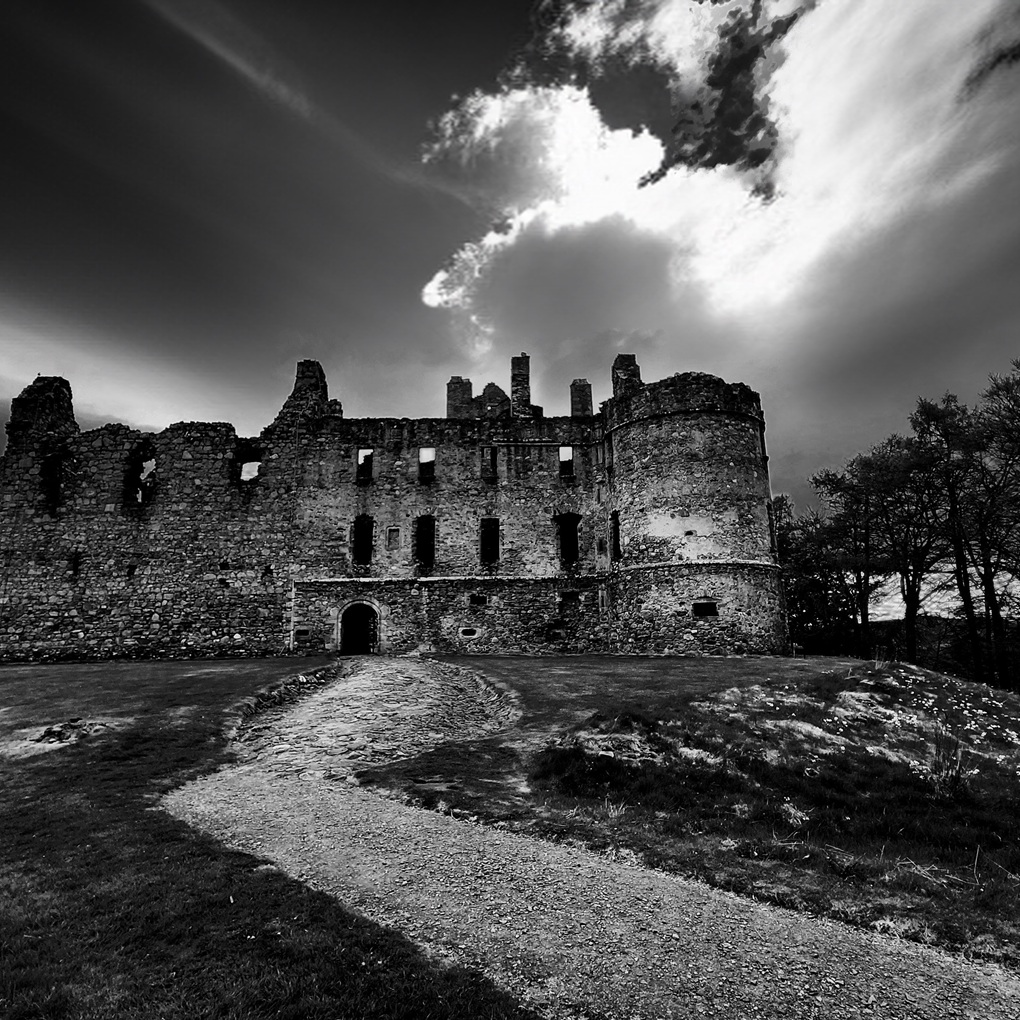
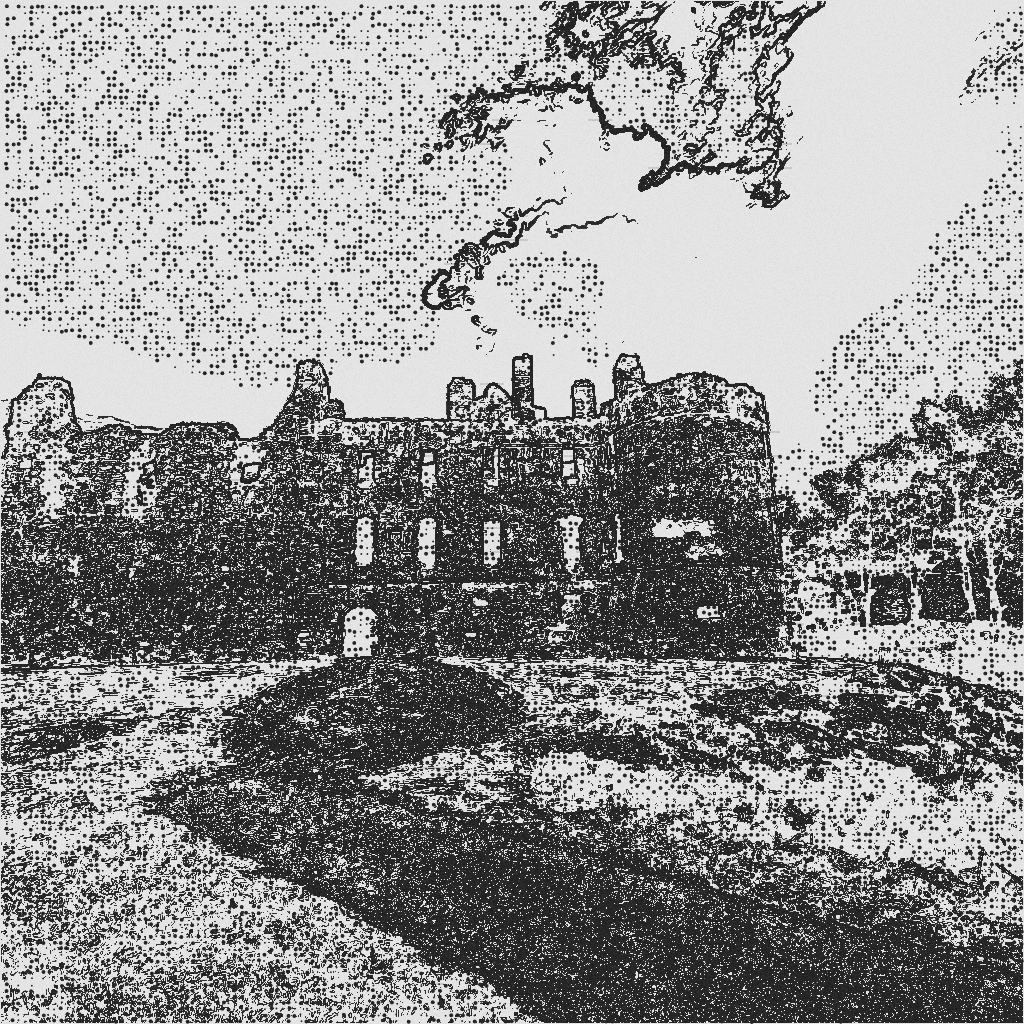
Turn your photos into masterpiece sketches with 20+ artistic styles โ adjust intensity, brush type, and color while watching live previews. No uploads, no servers โ all processing happens locally. Completely FREE to use!
We'd love to hear from you! Send us a comment or question below. Your data is not stored in any database.
Select one or more image files (JPG, PNG, etc.) to process. You can upload multiple images and use the Prev/Next buttons to browse through them individually before batch processing.
Tip: Use high-quality source images for best results. Larger images may take longer to process.
When checked, removes decorative hatching and pattern effects, giving you clean line-based sketches with crisp edges only.
Best for: Simple outlines, contour drawings, and minimalist styles.
When unchecked, hatching and brush textures are applied based on your chosen brush type.
When checked, adds color to your sketch based on the original image, creating a colored sketch effect.
Combine with Saturation and Hue Shift sliders to fine-tune the color intensity and tone.
Tip: Works best with styles like Comic/Manga, Fashion Sketch, or Watercolor to create stylized colored artwork.
When checked, inverts all colors in the sketch: black becomes white, white becomes black, and grey tones are reversed.
This creates a negative/inverted effect, perfect for:
Tip: Combine with other settings to create unique artistic variations of your sketches.
Smooths out harsh edge lines and reduces hatching/shading texture in your sketch, creating a cleaner, softer appearance.
How it works: Applies a blur filter to smooth out rough edges and decorative patterns while preserving the overall sketch structure.
Values:
Best for: Creating softer sketches, reducing visible hatching patterns, or emphasizing overall shape over line detail.
Tip: Combine with high Stroke values and hatching styles for dramatic softening effect.
Drag the rendered image within the canvas to reposition it and achieve the perfect composition.
How to use:
Best for:
Note: Pan position resets when you switch to a different image.
Tip: Combine with zoom controls to get the exact portion of your image you want to sketch.
Specify a custom prefix for downloaded sketch files. When batch processing, this prefix is applied to all generated files.
Default format: If left blank, files are named sketchify_YYYYMMdd_HHmmss.png (e.g., sketchify_20260220_143045.png)
Custom example: If you enter "my_artwork", files will be named my_artwork_1.png, my_artwork_2.png, etc.
Save and load your favorite configuration combinations (style, brush, intensity, saturation, etc.) for quick reuse.
How to save:
How to load:
Presets are stored in your browser and persist across sessions.
Enables GPU-accelerated edge detection using WebGL for faster real-time previews on large images.
Benefits: Significantly faster processing on devices with modern GPUs.
Fallback: If GPU is unavailable or unsupported, processing automatically falls back to CPU.
Note: This is experimental and may have different results on some browsers.
Sends images to a Flask/Python server for advanced processing (OpenCV-based rendering).
โ ๏ธ Important: You need TWO servers running simultaneously:
Quick Setup (5 minutes):
python -m http.server 8000
python server_advanced.py
http://localhost:8000http://localhost:5001/api/style-transfer-advancedDefault server URLs:
http://localhost:5001/api/style-transfer-advanced (Advanced, recommended)http://localhost:5000/api/style-transfer (Basic Pillow server)For more details: See QUICK_START.md or README.md
Privacy note: Images are sent to the server for processing. Only use with servers you trust or run locally.
Processes all uploaded images with your current settings (style, brush, intensity, etc.).
Processing:
After generation: Download individual images as PNG/JPG or bundle all into a ZIP file.
Tip: 4K processing is available but may be slow on older devices. For faster processing, reduce resolution or enable GPU acceleration.
Images are downloaded to your device โ nothing is stored on servers by default.
Browser Mode: โ Works offline ยท โ Real-time ยท โ ๏ธ Limited styles ยท โ ๏ธ Depends on device power
Server Mode: โ All 25+ styles ยท โ Advanced effects ยท โ Progress feedback ยท โ ๏ธ Requires internet
๐ฌ Questions or feedback? Scroll down to the contact form at the bottom of this page!
Thanks for using Sketchify! Your donation helps us continue developing and improving this tool. Every contribution, no matter the size, makes a difference.
๐ What's Included:
Choose an amount or donate custom:
All donations are secure and processed through PayPal. Thank you for supporting Sketchify! ๐
Sketchify is committed to protecting your privacy. This privacy policy explains how we handle your data when you use our application.
Sketchify is designed with privacy and security in mind:
We may update this privacy policy from time to time. Significant changes will be announced in our Discord community.
If you have any privacy concerns or questions, please reach out to us:
Last updated: February 2026
Sketchify is constantly evolving! Here's what we're working on and planning for the future.
We prioritize features based on community feedback! Here's how you can influence development:
We're committed to keeping you updated on progress:
Have an idea? Your feedback shapes our future. Join our community and let us know what features would make Sketchify even better! ๐จ
Coming in v1.3.0:
Thank you for using Sketchify! Every update brings us closer to making the ultimate sketch generation tool. ๐จ
Click a style to apply it and close.